Introduction: The End of Cliché Gifts
Let’s be honest: a box of chocolates and a dozen roses is fine, but it’s predictable. In 2026, the most valuable gift you can give is an experience.
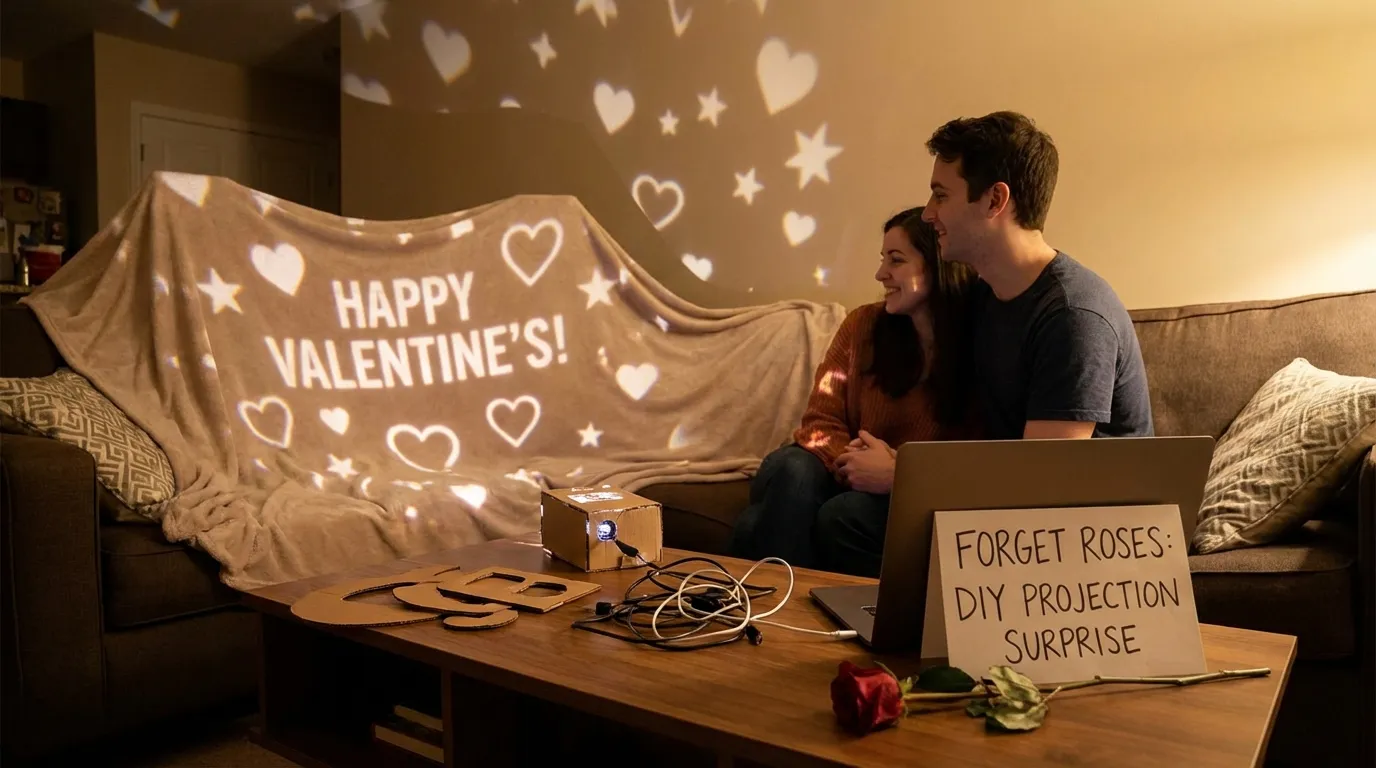
Imagine your partner walking into a room transformed into a starry night, or sitting down to a dinner where the tablecloth is alive with falling rose petals, or seeing a photo montage projected perfectly inside a heart shape on the wall. This isn’t expensive event planning—it’s DIY projection mapping, and you can do it at home with a cheap projector and your smartphone.
Why Projection Mapping is the Ultimate Romantic Gesture
Projection mapping lets you “paint” with light. Unlike standard ambient lighting or candles, mapping is dynamic and personal—perfect for Valentine’s surprises, date nights, and proposals.
- It’s immersive: you aren’t just watching a screen; the environment changes around you.
- It’s personalized: you can project your photos, your names, your memories—not generic hearts.
- It’s surprisingly easy: if you can use Instagram filters, you can use SurfaBeam.
3 Creative Projection Ideas for Valentine’s Night
1) The “Memory Lane” Dinner Table (Beginner)
Transform a standard dinner at home into a high-end dining experience—without changing your table setup.
- The setup: mount your projector above the dining table (pointing straight down), or place it on a high shelf at an angle.
- The idea: map the table surface, but mask out plates and wine glasses.
- How SurfaBeam helps: use the Masking Tool to draw black shapes over plates so the projection only hits the tablecloth—making dishes look like they float over digital rose petals or moving abstract art.
2) The Immersive Bedroom/Lounge (Intermediate)
Change the entire mood of a room without painting a wall. Perfect for a cozy movie night or a surprise reveal.
- The setup: place the projector in a corner aimed at the largest blank wall or ceiling.
- The idea: turn the ceiling into a slow galaxy, or a wall into a gentle waterfall / bokeh glow.
- How SurfaBeam helps: use Corner Pinning to stretch and align the content to the wall edge-to-edge for a seamless, immersive backdrop.
3) The “Precision Heart” Proposal (Pro Move)
Ready for maximum impact? This is the “how is this even real?” moment.
- The setup: cut a large heart shape out of white cardboard or foam core and stick it to the wall.
- The idea: project a slideshow or “Will You Marry Me?” exactly inside the heart shape—no light bleeding onto the wall behind it.
- How SurfaBeam helps: use Mesh Warp to pull edges and curves until the video perfectly follows the heart contour. The heart looks alive with video.
Ready to try it?
Download SurfaBeam Pro and start your Valentine’s setup.
Pick a romantic loop or your own photos, warp to your surface, mask around objects, and hit play. Your surprise can look “event-level” in minutes.
A Quick Guide: Your 10-Minute Setup
Don’t spend date night fighting technology. Here’s the fast track to a clean, romantic setup.
- The gear: any portable projector (even a cheap mini projector works in a dark room) + your phone with SurfaBeam installed.
- Connect: go wireless via AirPlay/Miracast, or use an HDMI adapter for rock-solid stability.
- Align: point the projector at your surface (wall, table, ceiling, or heart cutout).
- Warp: open SurfaBeam and drag corners or mesh points until the video fits perfectly.
- Content: load rose petals, a slow galaxy, or a personal slideshow. Hit play and dim the lights.
Where to Find Romantic Video Content
You don’t need to be a video editor. Great loops are easy to find—and a simple slideshow is often the most powerful.
- Free stock sites: search Pexels or Pixabay for “video bokeh,” “slow motion roses,” or “abstract particles.”
- YouTube: search for “4K romantic loop no copyright” (make sure you have a way to get the file onto your phone).
- Your camera roll: SurfaBeam handles high-res photos beautifully—use your best memories together as a simple slideshow.
Conclusion: Make This Year Count
Valentine’s Day isn’t about how much you spend—it’s about the effort you put in. A DIY projection mapping setup shows creativity, planning, and a deeply personal touch.
Ready to light up their night? Download SurfaBeam today and start planning your surprise. It’s easier than you think to create magic at home.
Want the easiest way to pull this off tonight?
SurfaBeam Pro helps you import content, mask around objects, warp to real geometry, and iterate in real time. Download the app and build a romantic setup before you overthink it.