PROJECTION
MAPPING
MADE SIMPLE

SurfaBeam Pro is built for creators who want projection mapping and video mapping made simple—without a heavy desktop setup. Using only your phone, you can align visuals to real surfaces with clean warps, accurate masks, and fast calibration that feels professional.

Whether you are doing digital mapping onto walls, props, windows, or custom shapes, SurfaBeam Pro helps you control the canvas precisely. The workflow is designed for quick iterations on-site, so you can test, adjust, and play with your projection mapping and digital art ideas in minutes.

A modern, mobile-first Lazy Lighting alternative for artists and event pros: explore the video mapping features, learn practical use cases on our projection mapping blog, or jump straight to app store links.

SurfaBeam Pro app logo inside phone preview

SURFABEAM

Projection Mapping

Beyond The Screen

Everything you need for projection mapping, video mapping, and digital art faster: warp to match real surfaces, layer content with masks, import media from your gallery, and generate dynamic effects that react to touch and sound.

Precision Warp

Pin and adjust points to match real edges with accuracy—perfect for corners, angled walls, and irregular shapes.

Multi-Layer Map

Stack multiple visuals with independent masks and opacity—build richer scenes without losing control.

Gallery Import

Import photos and videos directly from your phone gallery to start mapping instantly—no extra tools required.

Export as PNG

Save your projection-mapped result as a PNG so you can refine it later in Photoshop, After Effects, or any editor.

Finger Effects

Create visual effects using simple finger gestures—tap, drag, and draw energy into your scene in real time.

Sound Reactive

Use music or sound input to drive dynamic motion—turn beats into visuals that feel alive on any surface.

Step by Step

How It Works

Go from idea to projection in minutes. SurfaBeam Pro is designed for quick setup and live iteration—no complex software training required.

1

Connect

Plug your phone into any projector using a USB-C to HDMI cable, or connect wirelessly via AirPlay or Chromecast.

2

Import

Load photos, videos, or dynamic visuals from your gallery. SurfaBeam supports all common media formats for instant playback.

3

Warp & Mask

Use corner pinning or mesh warping to fit your content onto any surface. Add masks to hide areas like windows, doors, or trim.

4

Go Live

Hit play and watch your visuals come alive on real-world surfaces. Iterate, adjust, and refine your mapping in real time on-site.

Multi-Surface Control

Complex Geometries

Projection mapping and video mapping become powerful when the surface is complex: windows, props, corners, furniture, or multi-part installations. SurfaBeam Pro is designed to help creators adapt visuals to these real-world geometries without slowing down.

If you are planning an event setup, a room transformation, a digital art installation, or a quick creative test, you can map confidently and refine quickly—a true mobile-first Lazy Lighting alternative for hands-on artists. For tutorials and deeper guides, visit our digital mapping guides.

Projection Mapping
Complex Masks
Mobile Workflow
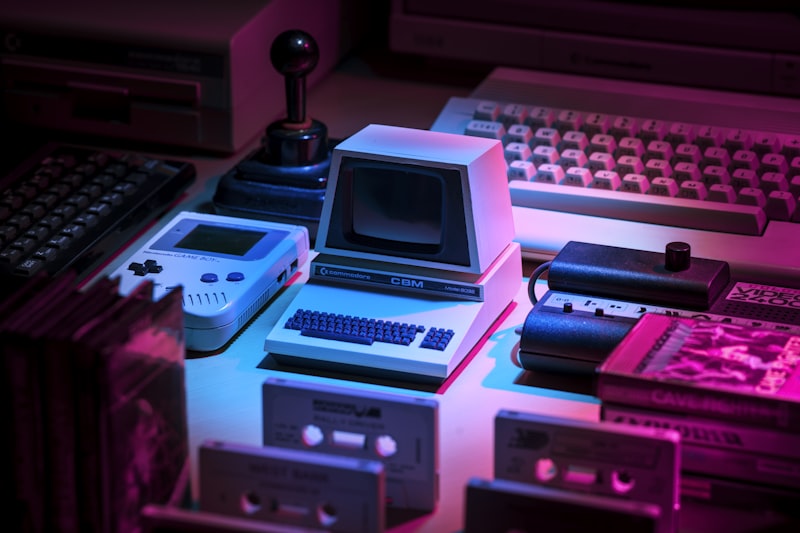
Creative technology setup representing projection mapping and digital visuals

Got questions?

Visit Our FAQ Page

50+ answers covering apps for iOS, Android & macOS, Lazy Lights alternatives, throw ratio, lumens, warping, masking, use cases, and how to get started.

Browse All FAQs

Transform Your World

SurfaBeam Pro helps you turn real surfaces into a canvas for projection mapping, video mapping, and digital art. Warp, mask, and map visuals with a streamlined mobile workflow—ideal for creators, digital art installations, event setups, and experimental projects.

Need inspiration? Check our blog for tutorials and showcases, or follow updates on Instagram.